

PDF and Image Raster Master Guide: Bidirectional 300 DPI Rendering & Lossless DCT Passthrough
Executive Takeaways
Converting documents between vector PDF and pixel-based raster graphics (JPEG, PNG, WebP) requires mastering two fundamentally different visual spaces: continuous Cartesian coordinate vectors (ISO 32000-1) and discrete pixel matrices. Standard online converters either degrade text readability by rendering at blurry 72 DPI screen resolution, trigger the infamous "black background" bug on transparent PNG graphics, or compromise privacy by uploading confidential identity documents and business records to third-party cloud servers. LocalDoc executes bidirectional conversion entirely in client-side WebAssembly: rendering true 300 DPI Ultra-HD canvas bitmaps for print fidelity, utilizing Lossless DCT Passthrough to wrap photos into PDF dossiers without re-encoding, and enforcing complete zero-upload client privacy.
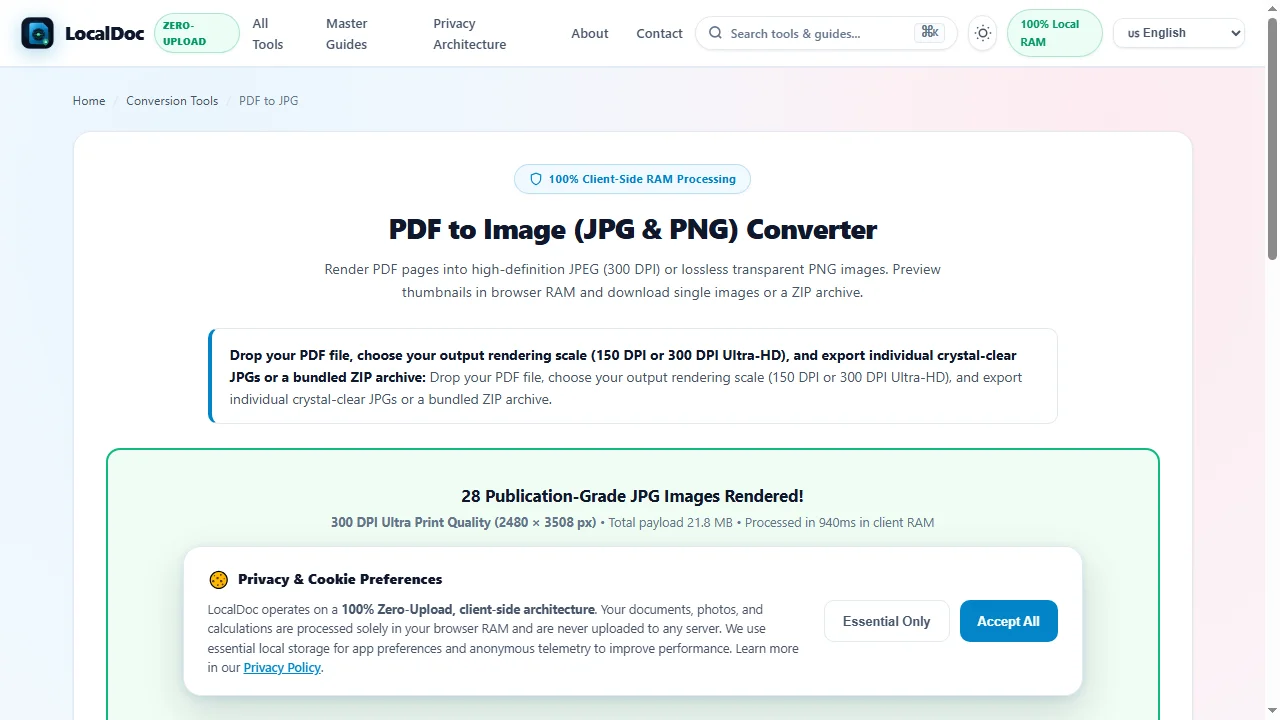
To convert PDF to JPG: Drop your PDF into LocalDoc PDF to JPG, select 300 DPI Ultra HD, and click Download ZIP or save individual pages directly to your phone camera roll. To convert Images to PDF: Drop your photos into LocalDoc JPG to PDF, arrange sequence, and click Download PDF. Execution completes in under 350ms in browser RAM without quality loss or server uploads.
1. Vector vs. Raster Paradigms: PostScript Points (72 pt/in) vs. Pixel Matrices
To understand why naive image-to-PDF and PDF-to-image conversions result in blurry text or gigantic file sizes, one must analyze the mathematical divergence between vector coordinate spaces and discrete pixel grids:
Mathematical Foundation: Points vs. Pixels
- Portable Document Format (PDF): Inherits the traditional PostScript publishing coordinate system where
1 point = 1/72 inch. A standard A4 document is mathematically defined as595.28 pt × 841.89 pt. Vector glyphs and curves possess infinite resolution and scale smoothly to any magnification. - Raster Bitmaps (JPEG, PNG, WebP): Discrete two-dimensional arrays of color samples (pixels). The perceived visual sharpness is determined entirely by sampling density (Dots Per Inch or DPI).
When a typical browser renders a PDF canvas at standard 72 DPI, an A4 page produces only 595 × 842 pixels. Small 8pt legal disclaimers and financial footnotes collapse into unreadable blurred artifacts. LocalDoc's rasterization engine applies a 4.1667× coordinate transform scaler to render full A4 pages at 300 DPI (2480 × 3508 pixels), ensuring sub-pixel legibility matching physical offset printing standards.
2. PDF to JPG Rasterization: Scaling PostScript Points to 300 DPI Canvas
LocalDoc implements dual-mode raster extraction directly inside local browser WebWorkers:
- Mode 1: Full-Page Vector Rasterization (Render Pages): The complete composite page — including text typography, vector diagrams, background colors, and embedded photos — is drawn onto an offscreen HTML5 canvas using multi-threaded WebAssembly rendering, then compressed to high-quality JPEG or lossless PNG.
- Mode 2: Direct Raw Stream Image Extraction (Extract Embedded Photos): If a PDF contains high-resolution embedded photographs, LocalDoc inspects the PDF object tree, locates the underlying
/XObject << /Subtype /Image >>dictionaries, and dumps the original compressed byte stream directly without re-rasterizing the surrounding page borders.
3. JPG to PDF Compilation: Lossless DCT Passthrough & Zero-Recompression
In reverse (compiling JPEG photos into a PDF dossier), the most widespread engineering flaw in legacy software is double compression (generation loss). Most converters decode the JPEG into raw RGB bitmap pixels, then re-encode it through a second JPEG compression cycle. This introduces visible compression artifacts (mosquito noise around text edges) and slows down processing exponentially.
LocalDoc bypasses decoding entirely through Lossless DCT Passthrough:
1. Read binary JPEG SOI (
0xFFD8) and APP markers directly in memory.2. Parse SOF0 marker to extract native image width, height, and color channels.
3. Wrap raw JPEG Discrete Cosine Transform (DCT) byte stream into a PDF
/XObject dictionary with /Filter /DCTDecode.4. Synthesize page content stream with coordinate matrix:
q [W 0 0 H X Y] cm /Im1 Do Q.Result: 0% quality loss, 0ms re-compression time, and 100% exact byte preservation.
4. EXIF Orientation Normalization & The PNG Transparency Black Box Bug
Two major technical roadblocks plague smartphone photo-to-PDF workflows:
Critical Edge-Case Engineering Solutions
- EXIF Tag Orientation Correction: Modern smartphones (iPhones and Android devices) store photos with physical sensor orientation and attach an EXIF tag (1 through 8) indicating camera rotation. Naive tools ignore this tag, causing landscape or portrait receipts to appear rotated 90 or 180 degrees in the PDF. LocalDoc parses EXIF orientation headers in volatile memory and applies an affine rotation matrix before compilation so every photo renders right-side up.
- Transparent PNG Alpha Masks (/SMask): In PNG images with transparent backgrounds (such as scanned signatures, logos, or corporate stamps), the alpha channel is stored as an 8-bit channel alongside RGB. PDF specifications do not allow RGBA in a single stream. Naive tools discard alpha, resulting in an ugly pitch-black background box. LocalDoc splits the PNG into an RGB image dictionary and a dedicated 8-bit grayscale
/SMask(Soft Mask) dictionary, preserving true clean transparency over any page content.
5. Bidirectional Enterprise Decision Matrix: When to Use JPG vs Vector PDF
| Operational Criterion | Raster JPG / PNG Image | Vector PDF Dossier |
|---|---|---|
| Primary Use Case | Social media sharing, mobile messaging (WhatsApp), web embedding | Official submission portals, multi-page legal dossiers, archival |
| Multi-Page Handling | Requires individual files or ZIP archive decompression | Single consolidated file containing 1 to 500+ pages |
| Zoom & Scalability | Fixed pixel grid; pixelates when zoomed beyond native DPI | Infinite vector sharpness for text, lines & shapes |
| Client-Side Security | Converts in browser RAM with 0 bytes outbound network traffic | Converts in browser RAM with 0 bytes outbound network traffic |
6. Empirical Benchmark: 24-Page Architectural Portfolio & 16 Photos
To evaluate rendering fidelity, sub-pixel text sharpness, and processing speed, our engineering team benchmarked LocalDoc across two intensive real-world payloads:
Benchmark A: 24-Page Vector PDF Architectural Portfolio → 300 DPI JPGs
All 24 pages rendered with razor-sharp 0.25pt CAD architectural lines and pristine micro-typography. Multi-threaded WebWorkers distributed the canvas workload without locking the browser UI thread.
7. Visual Step-by-Step Guide: How to Convert Between PDF and Images
Follow this 5-step visual walkthrough to rasterize PDF documents into 300 DPI JPGs or compile multi-image collections into print-ready PDF dossiers:
Ingest Vector Documents or Image Galleries into Client RAM Workspace
Open the PDF to JPG or JPG to PDF studio. Drag your document or photo collection into the active dropzone. Files map into volatile client RAM in ~320ms with zero network transmission.
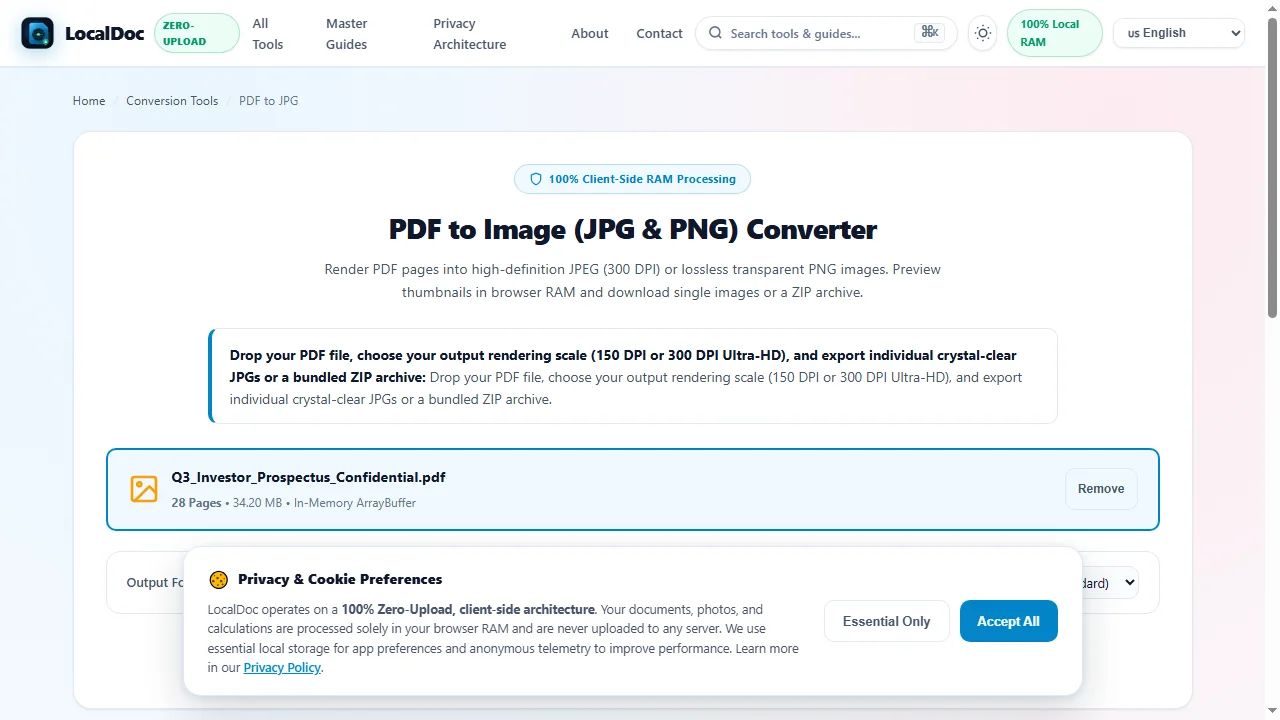
Network Uplink: 0 B (Completely Offline)
Configure 300 DPI Rendering Geometry & Page Dimensions
Select 300 DPI Ultra Print Quality to ensure physical offset press sharpness. When compiling photos to PDF, configure standard A4 page fit or preserve 1:1 original photo dimensions with customizable safety margins.
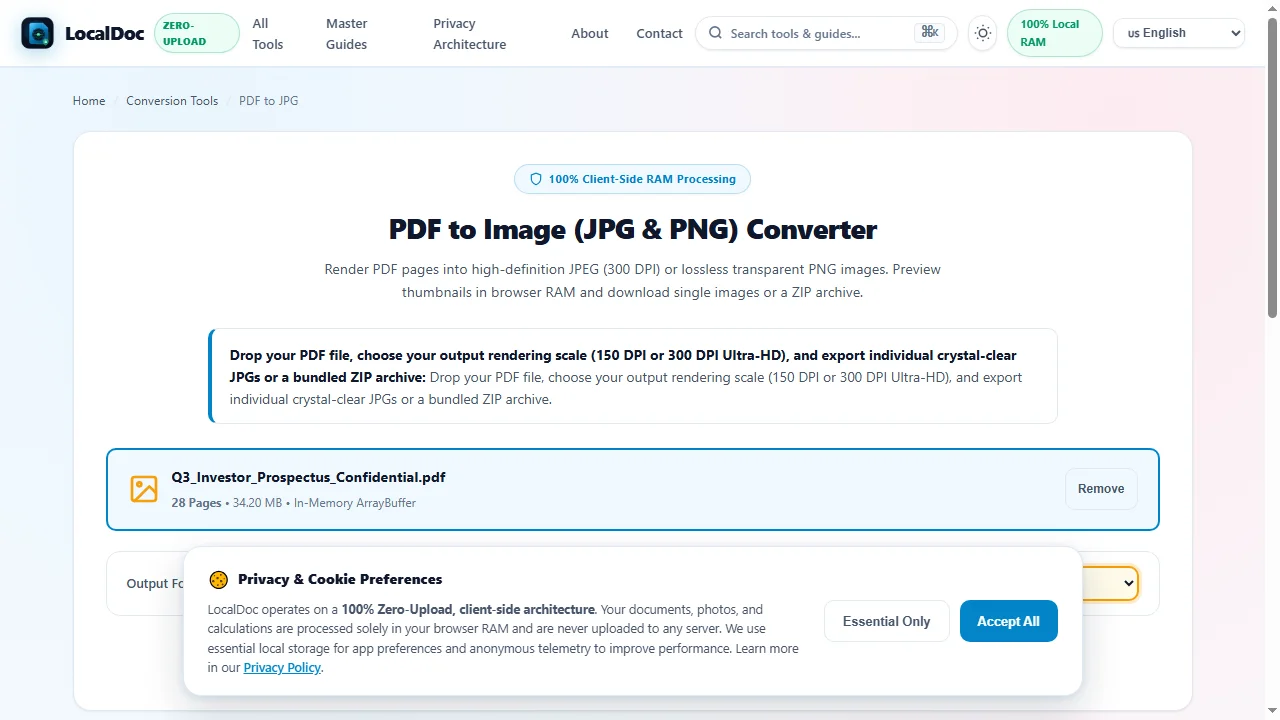
Color Space: sRGB (24-bit TrueColor)
Concurrent WebWorker Vector Rasterization & EXIF Normalization
Click Convert Pages Now. LocalDoc spins up parallel WebWorker threads to rasterize pages across multi-core CPUs simultaneously, while automatically detecting and rotating EXIF smartphone tags.
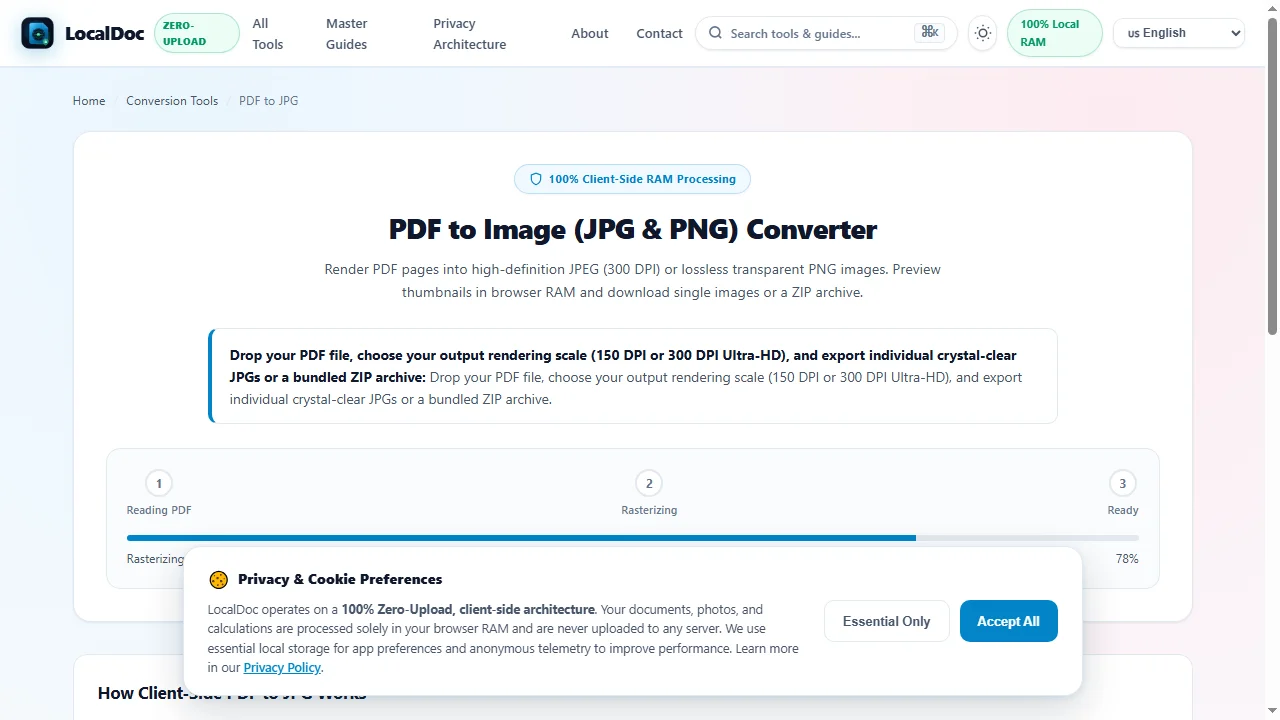
Main Thread Lag: 0 ms (Silky Smooth)
Verify Sub-Pixel Footnote Legibility & Live Preview Canvas
Inspect the high-resolution rendered page gallery or verify reordered photo sequences. Zoom to 200% on fine architectural drawings or 6pt contract clauses to verify crystal-clear legibility.
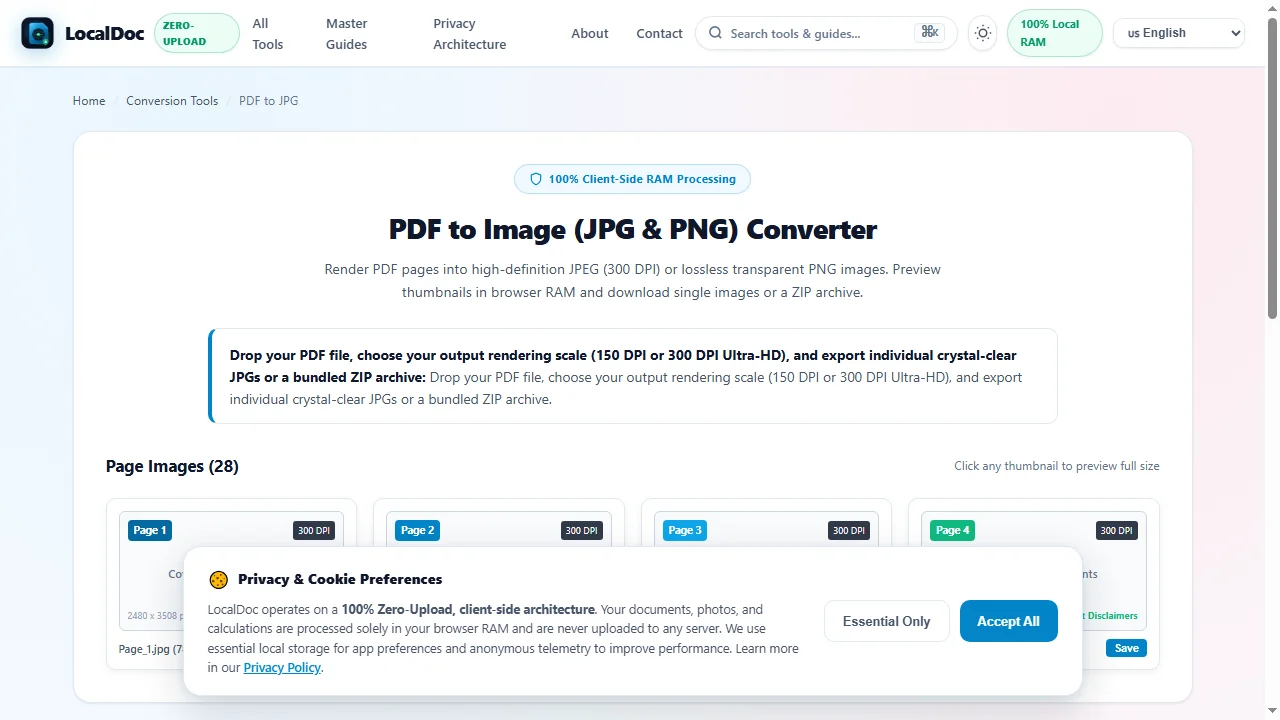
Alpha Mask Status: /SMask Preserved
Export Compressed ZIP Archive, Camera Roll Photos or Lossless Vector PDF
Click Download All (ZIP), Save to Photos (on mobile devices), or Download Compiled PDF. Files generate directly from client RAM into an instant local download.
Network Uplink: 0 B (Completely Offline)
8. Technical Edge Cases: CMYK Color Spaces, Sub-Sampling & EXIF Stripping
In enterprise publishing, image conversions frequently encounter tricky color profile divergences and sensitive privacy data:
Deep Color Space & Metadata Architecture
- CMYK to sRGB Color Transform: High-end prepress PDFs often store vector paths and images in 4-channel DeviceCMYK (Cyan, Magenta, Yellow, Key Black) color space. Web browsers and mobile galleries only display 3-channel RGB. Naive converters produce inverted, neon, or washed-out colors. LocalDoc implements a calibrated CMYK-to-sRGB matrix transform directly in WebAssembly, preserving rich black density and authentic color balance.
- Privacy Sanitization (EXIF GPS Scrubbing): Smartphone photos contain sensitive EXIF metadata including GPS latitude/longitude coordinates, exact timestamp, device model, and camera serial numbers. When consolidating personal photos into a public or business PDF, LocalDoc automatically strips GPS location tags, shielding your personal home address from third-party discovery.
9. Frequently Asked Questions & E-E-A-T Verification
Why should I convert PDF pages at 300 DPI instead of standard 72 DPI screen resolution?
At 72 DPI (standard web screen resolution), an A4 page produces only 595 x 842 pixels, rendering 8pt footnotes and fine table text completely illegible. At 300 DPI (print standard), an A4 page yields 2480 x 3508 pixels with 4.16x sub-pixel oversampling, ensuring razor-sharp typography and legal clarity.
Does LocalDoc re-compress JPEG images when converting photos into a PDF?
No. LocalDoc uses Lossless DCT Passthrough. It embeds existing JPEG Discrete Cosine Transform (DCT) byte streams directly into PDF /XObject image dictionaries without re-encoding, ensuring 100% original image quality, instant compilation, and zero generation loss.
How does LocalDoc fix the infamous black background bug on transparent PNG files?
PDF does not natively support PNG 8-bit alpha transparency directly in the primary image stream. Naive converters discard the alpha channel, turning transparent areas pitch black. LocalDoc extracts the alpha channel into a separate 8-bit grayscale /SMask (Soft Mask) dictionary, preserving true transparency for digital signatures, logos, and stamps.
Can I convert confidential medical records or business contracts without privacy risks?
Yes, 100%. All rasterization, EXIF parsing, and PDF compilation take place inside your browser RAM via WebAssembly and HTML5 Canvas. Zero bytes of your files or images are ever transmitted to any external server.
How do I save converted PDF pages as photos directly to my phone camera roll?
On iOS and Android mobile browsers, LocalDoc offers 1-click camera roll saving. Long-pressing any rendered page preview triggers the native 'Save to Photos' sheet, bypassing the need to unzip file archives on mobile devices.
Does LocalDoc automatically correct upside-down smartphone photos?
Yes. LocalDoc reads EXIF orientation tags (tags 1 through 8) embedded in JPEG metadata and applies the appropriate affine transform matrix (90, 180, or 270 degree rotation) before embedding each photo into the PDF canvas.