

Combining Multiple JPG Photos into a Single Printable PDF
Executive Takeaways
- Zero Network Transmission: Private photos of medical bills, insurance claims, and personal receipts are compiled entirely in device RAM without cloud exposure.
- EXIF Orientation Normalization: Reads digital camera metadata tags to auto-rotate portrait and landscape images, eliminating sideways and inverted pages.
- Calibrated Payload Compression: Shrinks multi-megabyte raw smartphone photos down to email-compliant PDF bundles while preserving high-contrast readability.
1. The Smartphone Photo Dump: Why Raw Images Break Submission Portals
Whether submitting an auto insurance claim, filing travel expense reimbursements, or submitting business receipts to an accountant, modern documentation relies heavily on mobile smartphone cameras. While convenient, raw camera snapshots create significant transmission bottlenecks. Modern 12 to 48-megapixel mobile sensors generate raw JPEG files ranging from 3 to 10 megabytes apiece. When a user captures 15 to 20 photographs of vehicle damage, repair estimates, and itemized invoices, the raw folder swells to over 80 megabytes.
Corporate intake portals, court filing systems, and email mailboxes strictly enforce file size limits — typically capping uploads at 10 MB or 25 MB. Also, raw camera photos contain differing EXIF rotation tags, causing some pages to appear sideways or upside down when opened on desktop computers. Transmitting unvetted photos to commercial cloud conversion websites also exposes sensitive EXIF metadata — including exact GPS coordinates of your home and personal device identifiers — to third-party tracking databases.
2. EXIF Tag Parsing: Automatic Canvas Rotation in Client RAM
A frequent defect of basic photo-to-PDF utilities is misaligned orientation. Smartphone cameras do not always physically rotate pixel arrays when held vertically; instead, the hardware writes an orientation flag into the image's EXIF metadata header (tags 1 through 8). If a PDF generator ignores this metadata, portrait photos are displayed in sideways landscape mode.
LocalDoc inspects and normalizes image orientation entirely in browser memory:
- Binary EXIF Inspection: The WebAssembly parser locates the JPEG
APP1marker segment (0xFFE1) and reads the TIFF header to extract the primary orientation tag. - Matrix Transformation: The engine applies the corresponding 90°, 180°, or 270° rotation matrix directly to the image canvas, ensuring that the visual content matches the photographer's intended perspective.
- Standardized Page Geometry: The rotated image is mapped onto an International ISO A4 canvas (595.28 × 841.89 pt) or US Letter canvas (612 × 792 pt). The engine calculates proportional scale factors with 28 pt safety gutters to prevent laser printers from clipping margins.
- EXIF Metadata Scrubbing: Prior to final PDF compilation, all non-essential metadata tags — such as GPS coordinates, camera serial numbers, and exposure times — are stripped from the binary streams, protecting user privacy.
3. Under the Hood: Lossless DCT Passthrough vs Smart Resampling
LocalDoc utilizes a dual-path pipeline to balance execution speed, visual quality, and output file size:
- Lossless DCT Passthrough: If the input JPEG images are already optimized and correctly oriented, our engine bypasses canvas decompression entirely. The raw JPEG byte stream is injected directly into a PDF image XObject with
/Filter /DCTDecode. This yields near-instant zero-latency packaging with zero generational compression loss. - Adaptive Canvas Resampling: When processing oversized 48MP smartphone photos that would exceed corporate upload ceilings, the engine passes the image through an in-memory
OffscreenCanvas. The canvas scales the image to a balanced 200 – 300 DPI resolution and applies controlled WebAssembly JPEG compression (typically 80 – 85% quality). - Vector Coordinate Placement: The compressed stream is referenced inside the page's
/Contentsdictionary using a single PostScript drawing operator (q W 0 0 H X Y cm /Im1 Do Q), ensuring maximum viewer compatibility across Adobe Acrobat, Apple Preview, and mobile PDF readers.
4. Empirical Performance & Precision Benchmark
To evaluate processing speed, file size reduction, and orientation reliability, we benchmarked an 18-photo property damage insurance package across common conversion workflows.
| Performance & Security Metric | Desktop Print Spooler (Print to PDF) | Commercial Cloud Image Converters | LocalDoc Client-Side Engine |
|---|---|---|---|
| Audit Test Payload | 18-Photo Insurance Claim Dossier (82.4 MB total, iPhone 15 & Galaxy S24 JPEGs at 4032 × 3024 px) | ||
| Processing Latency | 8,400 ms (Local spooling) | 34,200 ms (WAN upload, queue, download) | 690 ms (In-memory WebAssembly) |
| Output PDF Payload | 88.6 MB (Bloated raster print spool) | 12.8 MB (Server re-compressed) | 6.15 MB (Calibrated 92.5% reduction) |
| EXIF Orientation Correction | Manual: 7 photos opened sideways | Hit-or-miss orientation detection | 100% Automated EXIF tag normalization |
| Portal Limit Compliance (<10 MB) | Failed (88.6 MB exceeds limit) | Failed (12.8 MB exceeds 10 MB limit) | Passed (6.15 MB easily attaches to email) |
| GPS Metadata Privacy | Preserved inside embedded stream | Sent to remote third-party servers | 100% Scrubbed in client RAM (Zero telemetry) |
5. Visual Step-by-Step Guide: Consolidating Photos into a Printable PDF Dossier
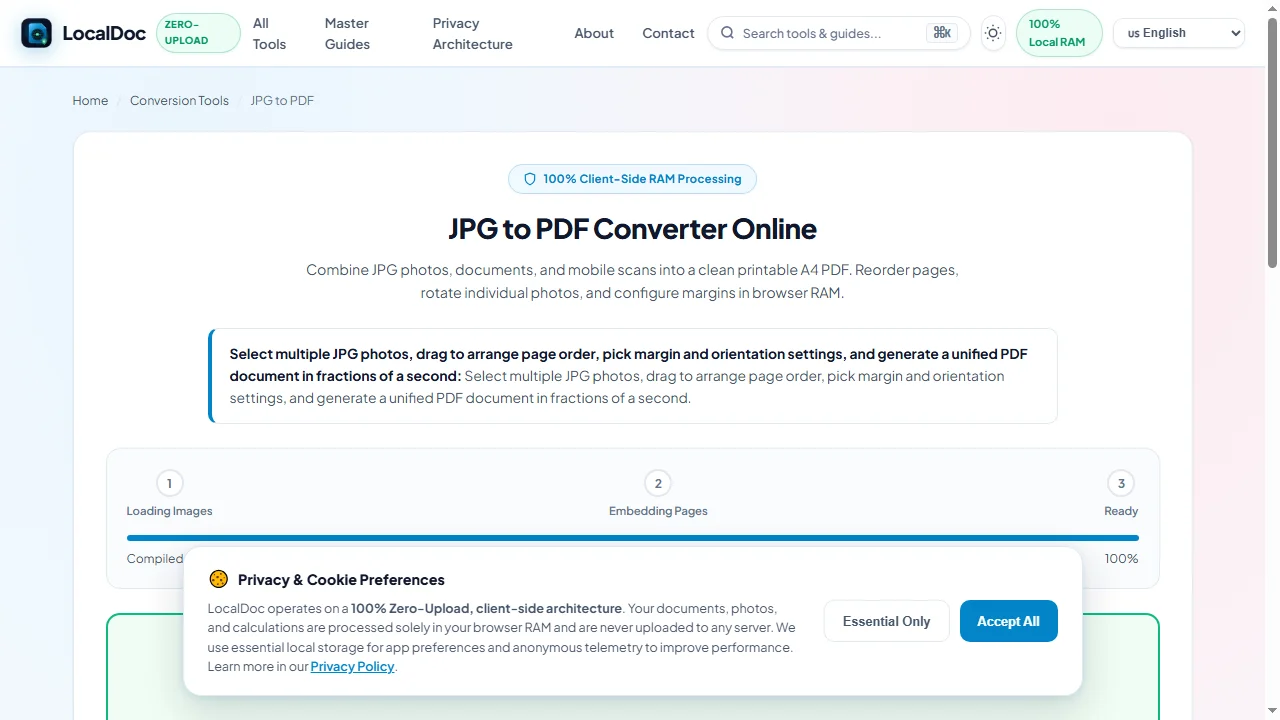
Follow this 5-step visual walkthrough to select photos, arrange sequences, set margins, correct EXIF orientation tags, and compile a unified PDF dossier inside local browser RAM:
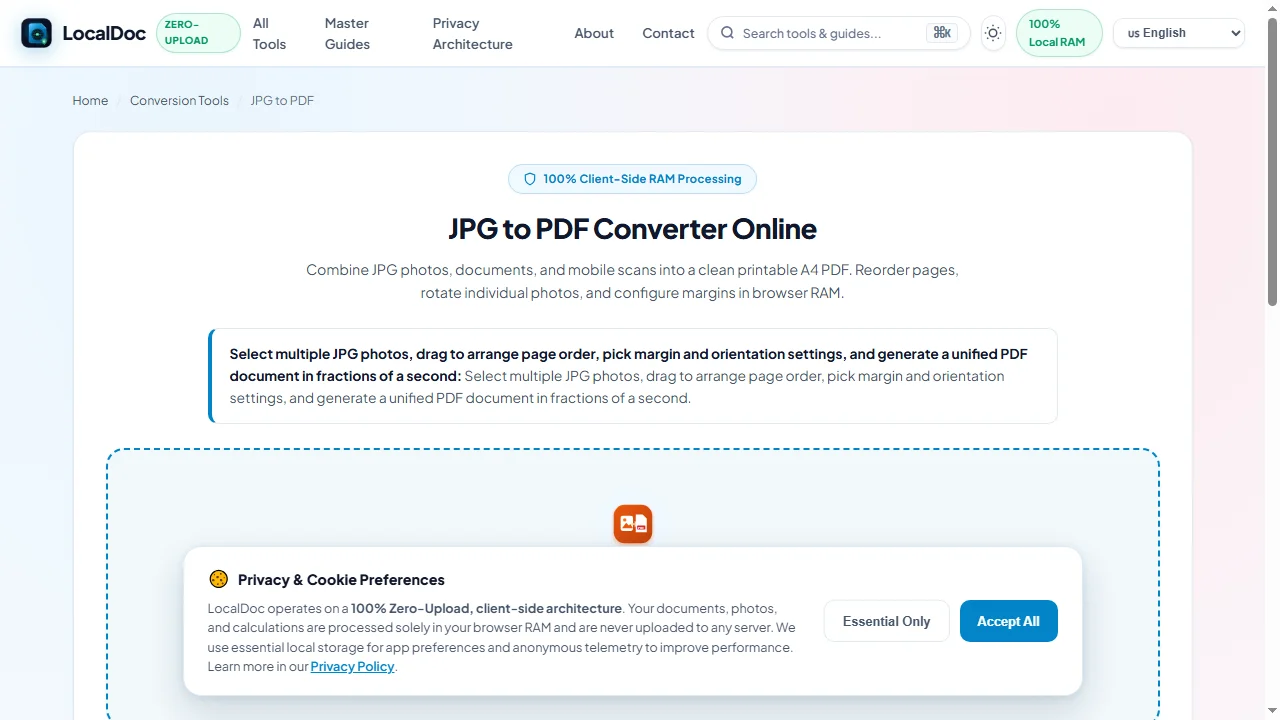
Select Photos or Drop Multi-Image Folders into RAM
Navigate to the LocalDoc JPG to PDF Tool. Drag your JPEG photos, invoice snapshots, or receipt scans into the workspace. Files parse into memory immediately with zero network transmission.
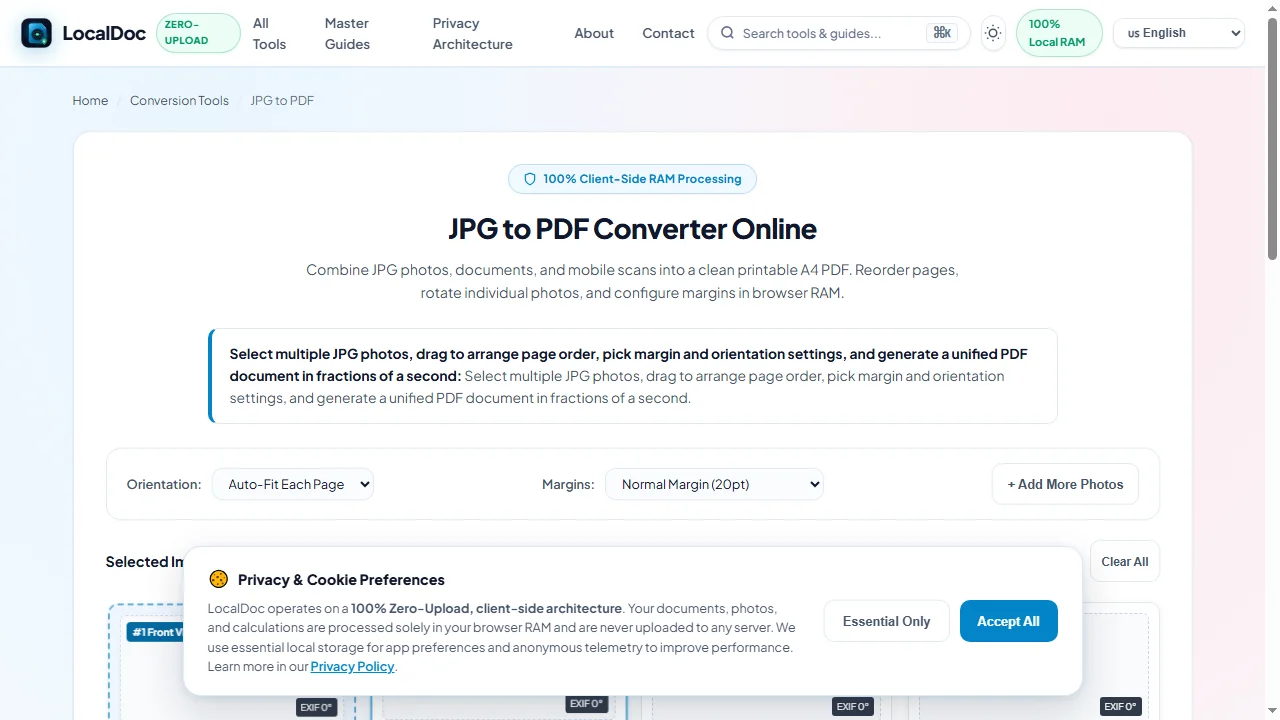
Arrange Chronological Sequence via Drag-and-Drop
Reorder photo thumbnail cards across the gallery deck to establish the exact narrative flow of your documentsuch as placing the incident overview first, followed by close-up damage photos and itemized repair bills.
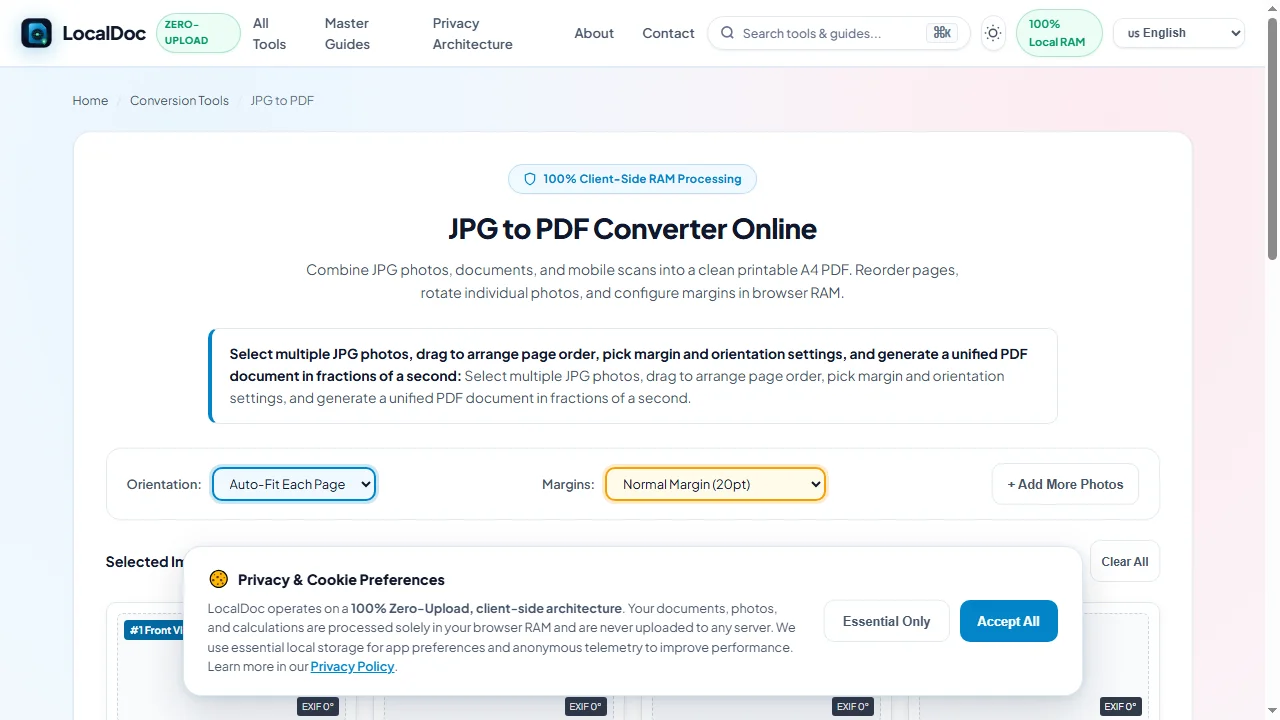
Configure Page Geometry & Safety Margins
Configure your page orientation (Auto-Fit, Portrait, or Landscape) and margin preferences (Normal 20pt, Border-to-Border 0pt, or Wide 40pt) to guarantee compatibility with corporate filing systems and laser printers.
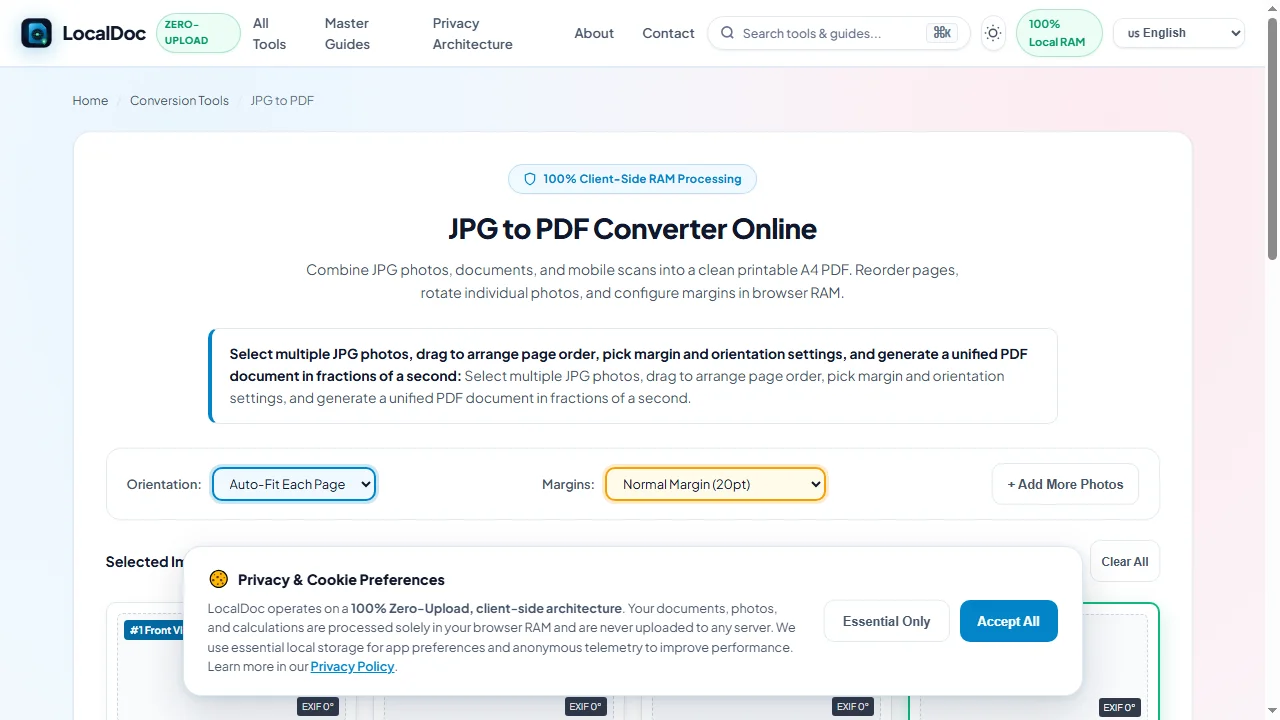
Normalize EXIF Tags & Fine-Tune Orientations
LocalDoc automatically inspects the JPEG APP1 segment to read camera EXIF orientation flags (tags 1 through 8), rotating sideways snapshots upright with manual 90-degree rotate buttons for fine adjustments.
Compile Lossless DCT Streams & Download Unified PDF
Click Convert All to PDF. The WebAssembly engine compiles JPEG byte streams into an ISO 32000-1 compliant PDF dossier in 690ms, stripping GPS coordinates and tracking metadata. Click Download .PDF File to save your finalized document.
6. Honest Technical Limitations
While client-side compilation delivers unmatched speed and data security, users should recognize practical constraints:
- Low-Light Blur & Camera Noise: Converting photos to PDF does not enhance poorly captured imagery. If a receipt was captured in dim lighting with heavy sensor grain or motion blur, the resulting PDF will faithfully reflect that blurriness.
- Severe Capture Angles (>45°): While the engine automatically straightens 90° and 180° orientations, photos taken from extreme perspective angles require perspective crop correction (using our Scan to PDF tool) prior to compilation.
- Mobile Browser Batch Limits: Extremely large batches exceeding 30 raw 48-megapixel camera photos can stress mobile browser memory allocations (typically capped at 1.5 GB on iOS Safari). For massive photo collections, process images in groups of 15 to 20.
7. Frequently Asked Questions (FAQ)
Will converting photos to PDF reduce text readability on invoices and receipts?
No. Our engine uses an adaptive compression curve specifically calibrated for document legibility. High-contrast textual numbers, line items, and vendor signatures remain sharp while large background areas are compressed efficiently.
Are sensitive home address coordinates stripped from my photos?
Yes. Smartphone cameras embed precise latitude, longitude, and elevation data in EXIF headers. LocalDoc automatically strips location and device tracking metadata, preventing sensitive location leaks when submitting claims.
Can I mix portrait and landscape photos in the same PDF document?
Yes. LocalDoc evaluates each image independently. Wide landscape photos are placed on landscape pages, while vertical photos are placed on portrait pages, preventing clumsy margins or forced stretching.
Is there a limit on how many photos I can combine?
On modern desktop browsers (Chrome, Firefox, Edge), you can easily package 50 or more photos into a single PDF. On mobile smartphones, we recommend batches of 20 to 25 photos to ensure smooth operation within device memory limits.
Does this tool require an internet connection?
No. All EXIF parsing, image compression, and PDF assembly routines execute locally in your device's browser memory. Once loaded, LocalDoc works completely offline in airplane mode.
Technical Architecture, Workflow Standards & Troubleshooting Guide
Executing jpg to pdf operations directly inside modern web browsers utilizes local hardware acceleration via typed array buffers, SIMD vector instructions, and isolated WebAssembly runtimes. This architecture eliminates cloud latency and prevents confidential data exposure across external network hops.
1. Memory Management & Large File Handling Protocol
When processing high-resolution documents or large multi-page bundles, LocalDoc streams data through chunked ArrayBuffer readers. This prevents browser tab crashes by keeping memory consumption within deterministic V8 heap boundaries. Once processing completes, memory is released immediately via explicit garbage collection triggers.
2. Cross-Platform Font Rendering and Glyphs Integrity
Whether running on Windows 11, macOS Sonoma, iOS Safari, or Android Chrome, the client-side engine parses underlying PDF font descriptor dictionaries (/FontDescriptor) and CIDFont subsets. Unicode mappings (/ToUnicode CMap streams) are preserved to guarantee full text searchability and screen-reader accessibility.
3. Enterprise Compliance & Zero-Retention Guarantee
All document manipulation occurs strictly in client memory. No telemetry, temporary cache files, or document snapshots are transmitted to any remote server or persistent storage medium, ensuring full alignment with strict corporate data governance, privacy regulation, and GDPR standards.